
How to Connect All Your Devices to a New Laptop:
UGREEN Revodok 5-in-1 Review
Laptop manufacturers are rushing to make devices thinner and lighter. In doing so, they have quietly created a daily headache for millions of users: the elimination of standard USB ports.
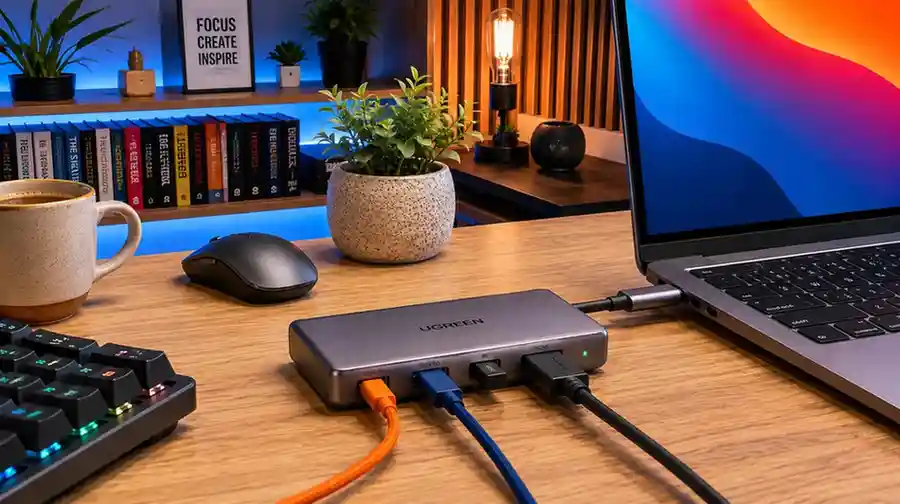
When you open a sleek, brand-new machine and find that you cannot plug in your trusty wireless mouse dongle, a flash drive, or an external monitor without buying expensive single-purpose adapters, it’s frustrating. Tech companies would prefer that you spend $50 or more on official docking stations. However, as this UGREEN Revodok 5-in-1 review will show, this compact adapter from the official UGREEN lineup solves this exact problem for around $12 without sacrificing performance.
Here is an honest, practical look at why this small accessory has become an absolute staple for everyday tech users.
The Spec Cheat-Sheet (At a Glance)
- Price Point: $10.00 – $12.99 — Unbeatable value for money
- Port Selection: 1x HDMI (4K), 1x USB 3.0, 2x USB 2.0, 1x 100W PD Input — Ideal daily port mix
- Data Transfer: Up to 5 Gbps on USB 3.0 — Moves high-def files in seconds
- Pass-Through Power: Up to 100W USB-C charging — Keeps your laptop powered up
- Build Material: Space-Gray Aluminum Shell — Durable with great heat dissipation
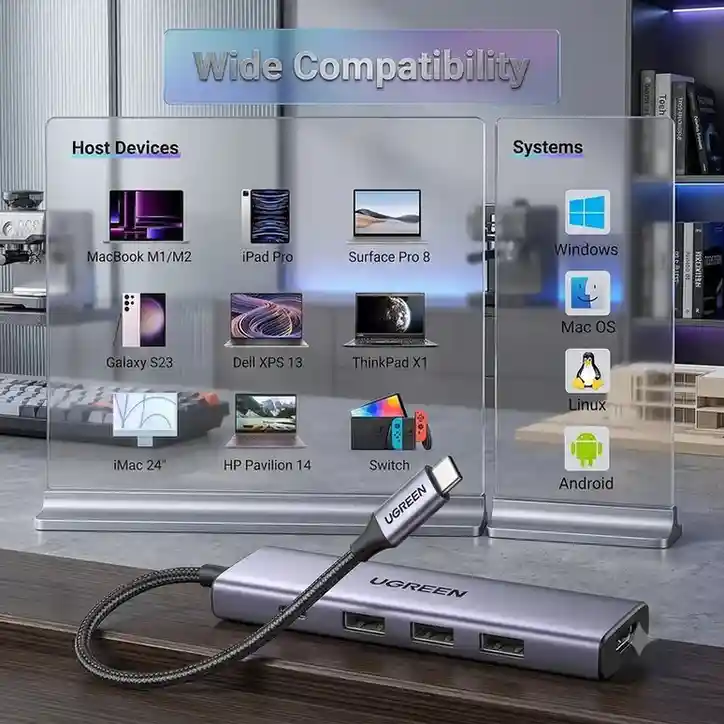
This UGREEN USB-C hub offers effortless plug-and-play setup across almost any tech ecosystem. Whether you use a MacBook, Windows laptop, iPad, Android phone, or Nintendo Switch, it connects instantly without needing extra drivers. It works seamlessly across macOS, Windows, Linux, and Android operating systems. This universal compatibility makes it a reliable all-in-one solution for bridging your modern USB-C devices with essential desktop accessories for everyday productivity wherever you work or study.
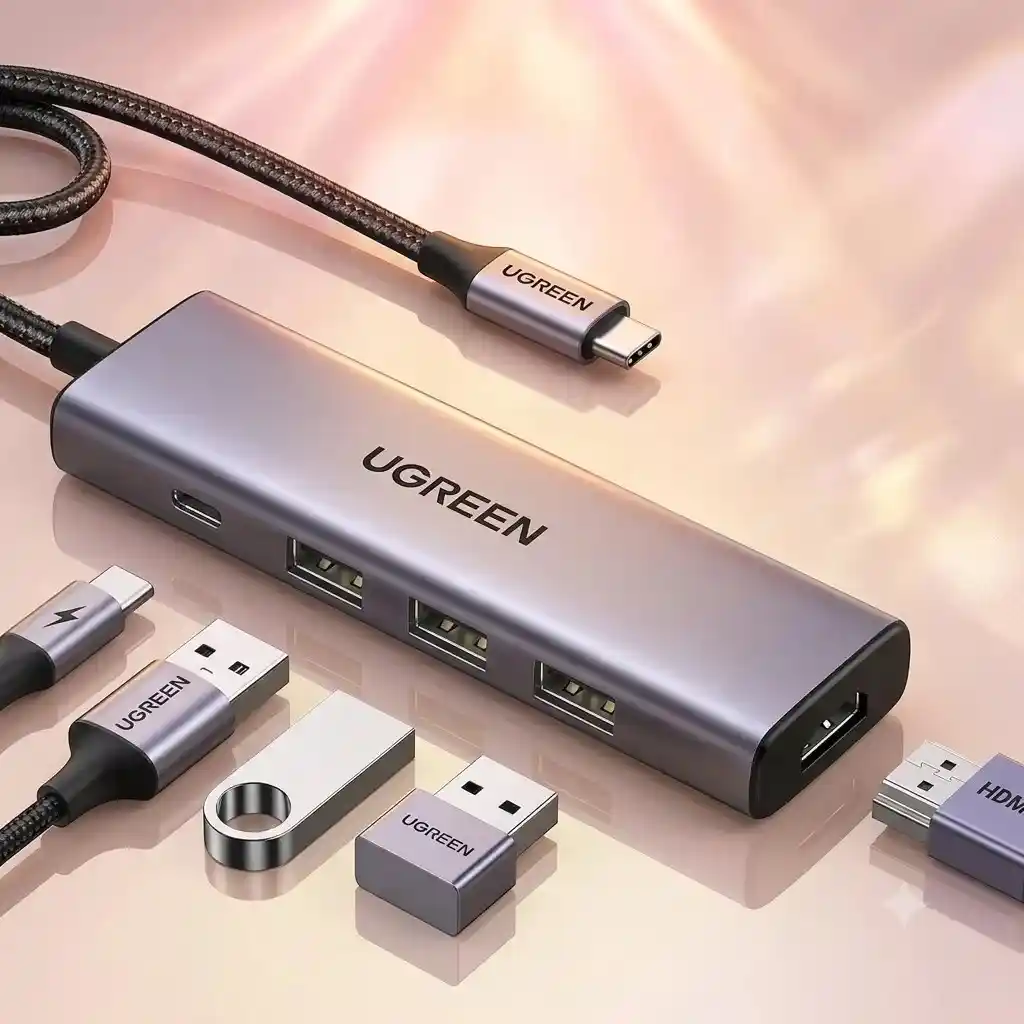
This UGREEN USB-C hub expands a single port into a full workstation setup. Plug it into your laptop, tablet, or phone to easily connect flash drives, a mouse, or a keyboard using the built-in USB ports for fast file transfers. You can also link your device to a monitor or TV with the 4K HDMI port for smooth, crystal-clear video streaming, all while keeping your laptop charged at high speed with 100W power delivery. It’s a compact, lightweight, plug-and-play solution that easily fits in your bag for daily work and travel.
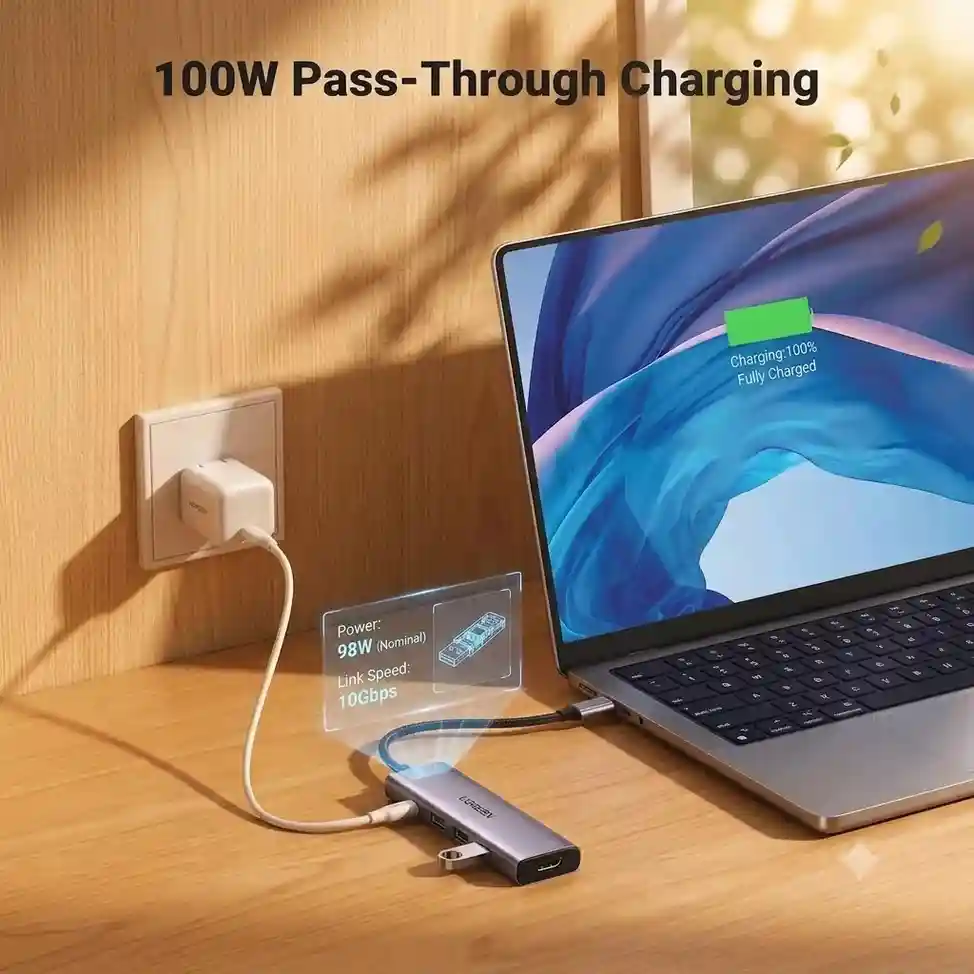
This UGREEN USB-C hub lets you charge your laptop at full speed while using all your accessories at the same time. Simply plug your power cable directly into the hub, and it safely passes up to 100W of power straight to your laptop without any risk of overheating. It keeps your workspace tidy with a single main cable connection while providing 5Gbps high-speed data transfers, so you never have to choose between charging your device and plugging in your external accessories during heavy workloads.
Real-World Performance & Thermal Management
Beyond raw specifications, real-world usability is where the Revodok 5-in-1 truly shines. A key highlight of our UGREEN Revodok 5-in-1 review is how well the device manages thermal output under pressure. Despite its small footprint, the premium aluminum alloy casing acts as a natural heat sink. During prolonged 4K display output, continuous power delivery charging, and high-speed flash drive transfers, the chassis dissipates heat effectively to prevent thermal throttling or signal dropouts.
Who Should Buy This Hub?
This versatile adapter is ideal for:
- MacBook & Ultrabook Users: Instantly restores legacy USB-A ports and dedicated HDMI output without carrying multiple dongles.
- Remote Workers & Students: Creates an organized, single-cable workstation for all your desktop mice and keyboards.
- Travelers & Digital Nomads: Weighs under 100 grams, slipping effortlessly into tech pouches or laptop sleeves.
- Mobile Gamers & Tablet Power Users: Expands connectivity for devices like the iPad Pro, Steam Deck, or Samsung DeX setups.
Final Verdict: Is It Worth It?
If you are writing off cheap adapters or tired of spending $50+ on oversized docking stations, this UGREEN Revodok 5-in-1 review conclusion is clear: it delivers the perfect balance of affordability, build quality, and essential port selection. It is a mandatory desktop and travel companion for modern port-starved laptops.
For tech users seeking maximum productivity on a budget, this UGREEN Revodok 5-in-1 review proves that reliable multiport connectivity doesn’t have to break the bank.