
Find Your Perfect Logitech Wireless Keyboard: 6 Top Models Compared
Looking for the perfect Logitech wireless keyboard? This hands-on comparison breaks down the top 6 models, helping you find the ultimate balance of typing comfort, durability, and performance for your setup.
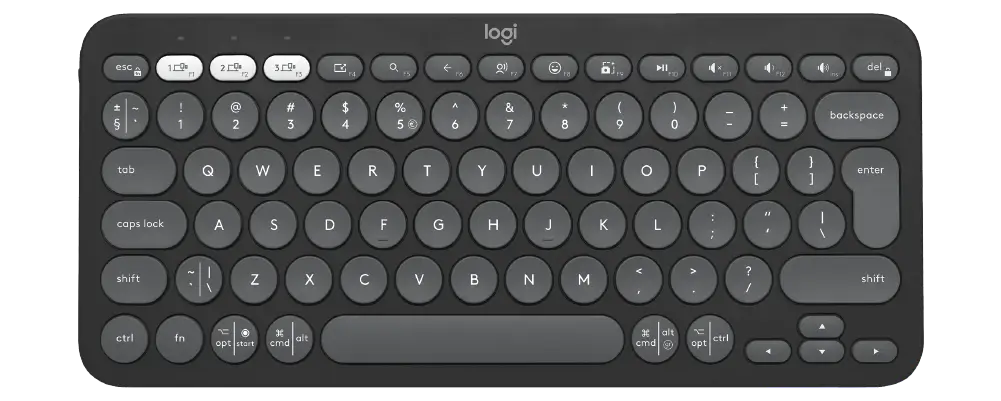
Logitech Pebble Keys 2 K380s
Slim, minimalist, and highly portable. It connects to multiple devices via Bluetooth with smart switching and is perfect for casual browsing, typing on a phone or tablet., or clearing desk clutter.
Slim Layout
Ultra-Portable
Easy-Switch
3 Devices
Connectivity
Bluetooth / Logi Bolt
Battery
36 Months
 Check Price on Amazon
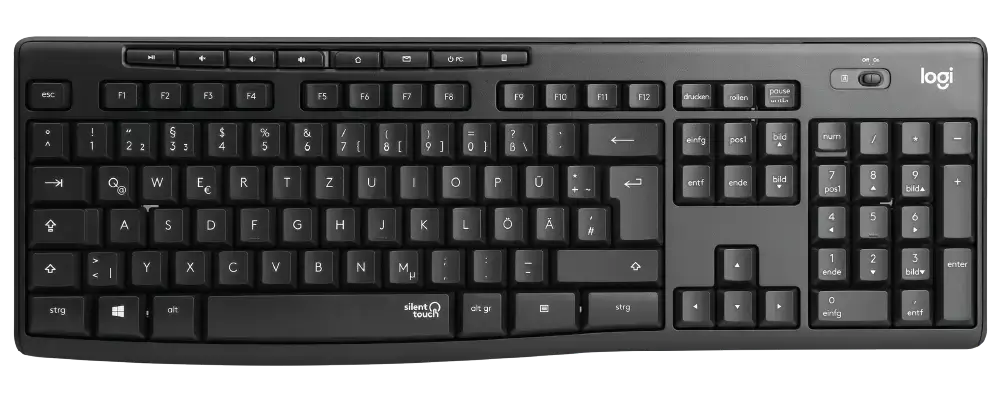
Logitech K295
Equipped with SilentTouch technology, this full-size keyboard eliminates over 90% of typing noise without sacrificing the familiar tactile feel. It is ideal for open offices, libraries, or late-night work.
Full-Size
Media Keys
SilentTouch
90% Less Noise
Plug & Play
USB Receiver
Battery
36 Months
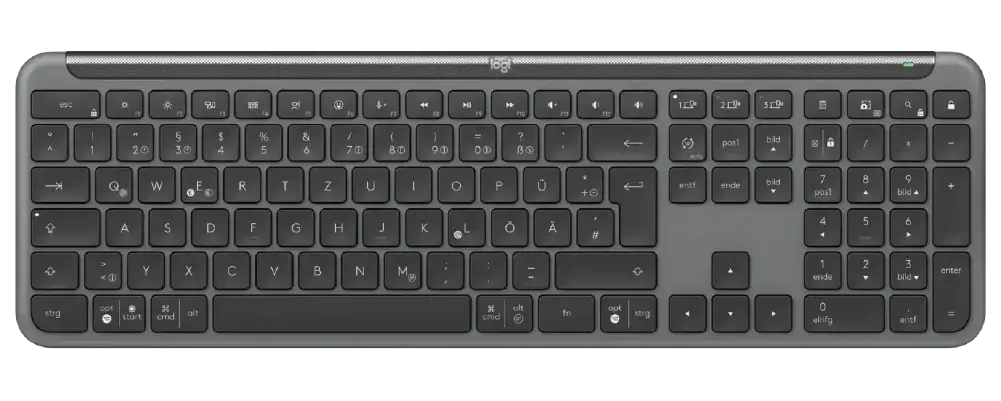
Logitech Signature Slim K950
A premium, full-sized layout designed for daily productivity. It lets users type smoothly and seamlessly switch channels between a computer, phone, and tablet with dedicated Easy-Switch keys.
Slim Profile
Full-Size Layout
Smart Actions
Logi Options+
Easy-Switch
3 Devices
Battery
36 Months
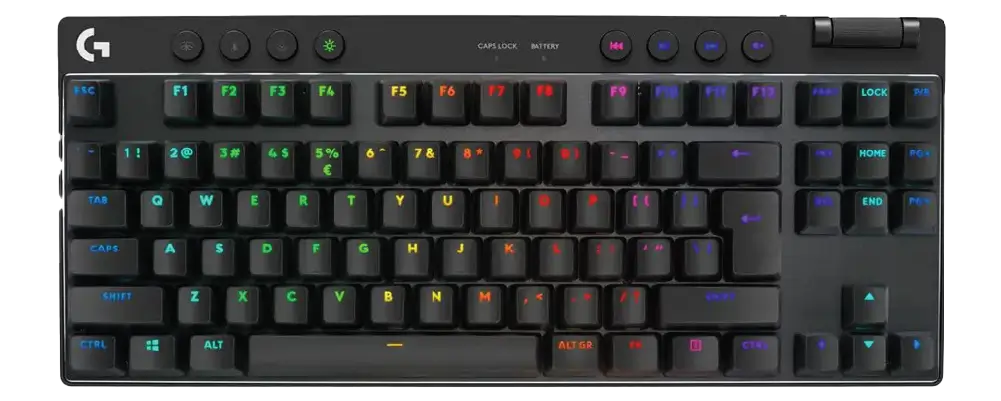
Logitech G PRO X TKL
Designed with and for esports pros. This tenkeyless (TKL) layout frees up extra desk space for low-DPI mouse swipes and features ultra-fast LIGHTSPEED wireless technology for lag-free competitive gaming.
TKL Layout
No Number Pad
Pro Mechanical
GX Switches
LIGHTSPEED
Pro Wireless
Battery
Up to 50 Hrs
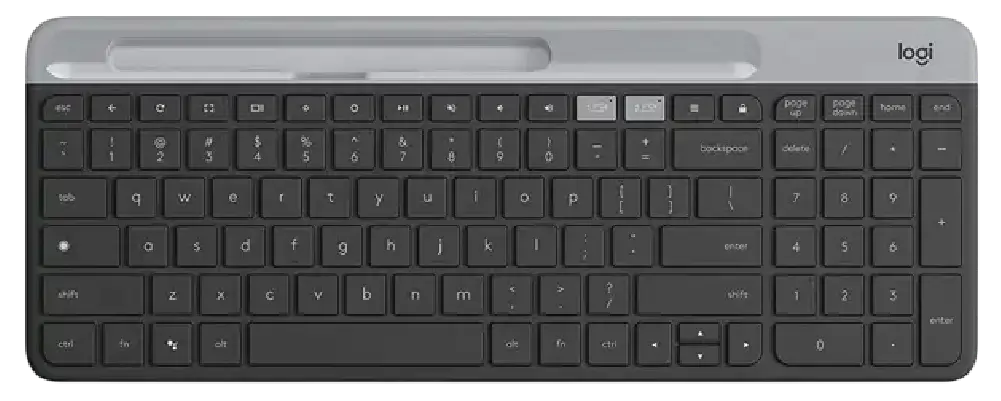
Logitech Wave Keys
An accessible, ergonomic keyboard featuring a compact, undulating “wave” layout and an integrated 3-layer memory foam palm rest. It pairs beautifully with the Logitech Lift mouse to promote a natural typing.
Wave Design
Ergonomic Shape
Palm Rest
Cushioned Support
Connectivity
Bluetooth / Bolt
Battery
36 Months
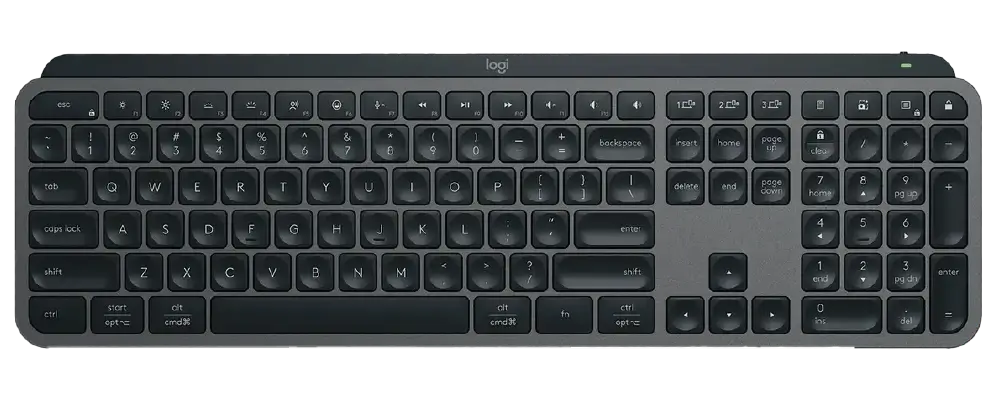
Logitech MX Keys S
The gold standard for developers and creators. It features spherically-dished keys, proximity-sensing smart backlighting, and quiet, fluid performance optimized for heavy coding sessions.
Perfect Stroke
Dished Keys
Smart Backlight
Proximity Sensors
Easy-Switch
3 Devices
Rechargeable
USB-C Cable
What to Look For in a Logitech Wireless Keyboard
Choosing the right keyboard comes down to how you spend your day at the desk. While every model in our comparison grid delivers rock-solid wireless connectivity, a few key factors can help narrow down your choice:
- Ergonomics and Shape: If you work long hours and experience wrist strain, an ergonomic split or curved layout like the Logitech Wave Keys alters your hand position to reduce muscle fatigue. For quick, casual everyday use, standard compact shapes like the Logitech K380 are lightweight and highly portable.
- Connectivity Options: Logitech uses two primary wireless methods. The traditional 2.4GHz USB receiver offers a plug-and-play experience with zero lag. Higher-end models also include Bluetooth, allowing you to pair the keyboard with multiple devices—like a laptop and a tablet—and switch between them with a single click.
- Sensor Precision: If you are typing thousands of words, coding, or playing competitive esports, key switch responsiveness matters. Look for models featuring high-quality mechanical switches or specialized low-profile keys (like the MX Mechanical keys) for pixel-perfect typing accuracy.
Frequently Asked Questions
Which Logitech wireless keyboard has the longest battery life?
For pure battery longevity, simple everyday models like the Logitech K120 or K270 are incredibly efficient, often lasting up to 24 to 36 months on standard AAA batteries. Professional models like the MX Keys S use rechargeable internal batteries that give you months of use on a single charge via USB-C.
What is the benefit of a silent keyboard?
Keyboards like the Logitech MK295 feature specialized switch dampeners that reduce typing noise by up to 90%. This makes them ideal for quiet office environments, library study sessions, or shared workspaces where constant clacking might be a distraction.
Can I use a Logitech wireless keyboard without a USB receiver?
Yes, provided the keyboard features built-in Bluetooth connectivity (such as the Signature K650 or MX Keys S). This allows you to connect directly to your laptop’s internal Bluetooth chip, keeping your USB ports free.
Need more choices? Visit our Relviq Home Page to browse our full collection. You can also explore our top performance picks in the Best Keyboards for Typing guide, or check out our master Best Quiet Keyboards roundup. We make it easy to find the right Logitech wireless keyboard for your desk setup.