
Logitech M235 Wireless Computer Mouse Review (2026)
Looking for a comfortable and reliable wireless mouse for daily work or online study? In this Logitech M235 Review, we will explore whether this compact wireless mouse is still worth buying in 2026. From smooth performance to battery life and comfort, the Logitech M235 continues to be a popular choice for students, office workers, and casual laptop users.
If you need a simple mouse that works well for assignments, browsing, office tasks, and online classes, this detailed Logitech M235 Review will help you decide whether it fits your needs. You can also explore more gadget reviews and buying guides on Relviq Tech
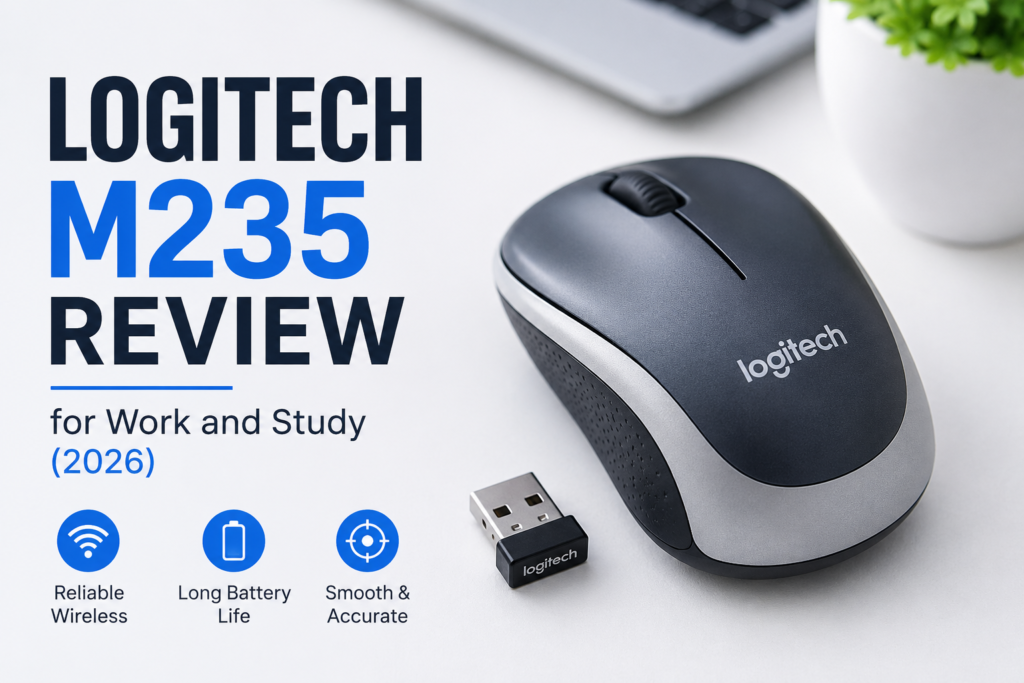
Why the Logitech M235 Still Matters in 2026
Wireless mice are everywhere today, but not all of them offer a good balance of comfort, battery life, and affordability. The Logitech M235 stands out because it delivers dependable performance without being expensive, and you can also check its official specifications on the Logitech Official Website
Many students and remote workers prefer this mouse because it is lightweight, easy to carry, and works smoothly on most surfaces. In 2026, users still search for the Logitech M235 Review because it remains one of Logitech’s most practical budget wireless mice.
Whether you are attending Zoom meetings, preparing presentations, writing assignments, or working from home, the M235 handles everyday tasks without problems.
Logitech M235 Review: Quick Overview
| Feature | Details |
| Connectivity | Wireless 2.4 GHz |
| Sensor Resolution | 1000 DPI |
| Battery Life | Up to 12 Months |
| Receiver Type | USB Nano Receiver |
| Weight | Light Weight |
| Compatibility | Windows, Mac, Chrome OS, Linux |
| Best For | Work, Study, Daily Use |
The Logitech M235 is not designed for gaming or professional graphic design. Instead, it focuses on productivity, portability, and comfort.
Design and Build Quality
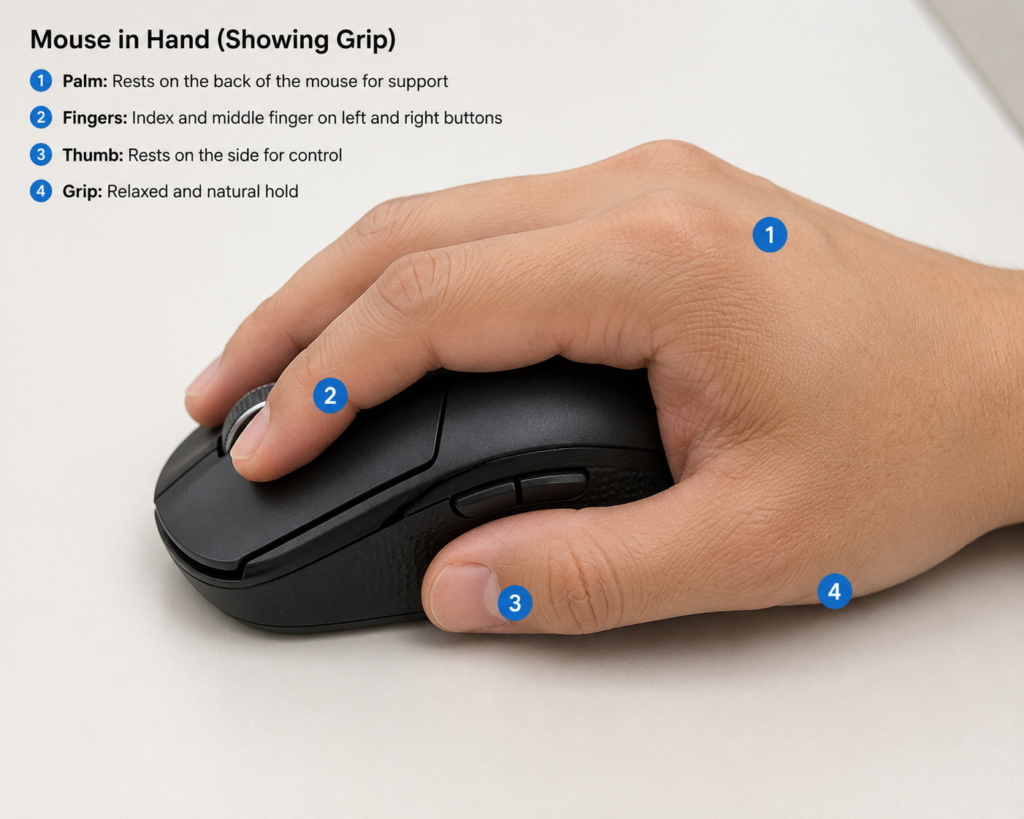
One of the strongest points in this Logitech M235 Review is the mouse design. Logitech created the M235 with comfort in mind.
Comfortable Shape
The mouse fits naturally in the hand and supports both left-handed and right-handed users. Its curved body makes long work sessions more comfortable than many cheap wireless mice.
Students who spend hours working on assignments or professionals who work on spreadsheets often appreciate this ergonomic shape.
Compact and Portable
The Logitech M235 is compact enough to carry inside a laptop bag. If you frequently move between office, classroom, library, or café, this mouse is easy to transport.
Strong Build Quality
Despite being affordable, the M235 feels durable. The buttons have a satisfying click, and the scroll wheel works smoothly. Logitech products are generally known for long-lasting quality, and this mouse follows the same reputation.
Logitech M235 Review: Performance for Daily Tasks
Performance is one of the main reasons people search for a Logitech M235 Review.
Smooth Cursor Movement
The 1000 DPI optical sensor provides accurate cursor control for daily use. You can comfortably browse websites, edit documents, attend online classes, or manage office tasks.
The mouse works well on desks, mouse pads, and even some rough surfaces.
Reliable Wireless Connection
The 2.4 GHz wireless connection remains stable during use. You simply plug the nano receiver into your laptop or PC and start working.
Unlike some low-quality wireless mice, the M235 rarely suffers from lag or connection drops.
Quiet and Responsive Clicks
The clicks feel responsive without being too loud. This makes the mouse suitable for libraries, classrooms, and shared office spaces.
Battery Life and Power Efficiency
Battery performance is another major highlight in this Logitech M235 Review.
The mouse uses a single AA battery and can last up to 12 months depending on usage. Logitech includes smart sleep mode technology that helps conserve battery when the mouse is inactive.
For students and office users, this means less worry about charging or changing batteries frequently.
Why Long Battery Life Matters
- Better productivity
- Less interruption during work
- Travel-friendly convenience
- Lower long-term cost
In real-world use, many users report excellent battery performance even after months of daily work.
Logitech M235 for Students
Students need affordable accessories that are comfortable and reliable. The Logitech M235 works well for educational purposes because it is simple and easy to use. If you are comparing multiple study-friendly options, you can also read our guide on the best mouse for students in 2026
Good for Online Classes
The mouse performs smoothly during:
- Zoom meetings
- Google Meet classes
- Online research
- Assignment preparation
- Presentation work
Easy for Laptop Users
Trackpads can become uncomfortable during long study sessions. The Logitech M235 improves navigation speed and reduces hand fatigue.
Portable for University and School
Its lightweight design makes it ideal for carrying between classes and study spaces.

Logitech M235 for Office Work
This Logitech M235 Review would be incomplete without discussing office productivity.
Excellent for Office Tasks
The mouse handles:
- Microsoft Word
- Excel spreadsheets
- PowerPoint presentations
- Email management
- Web browsing
without any issue.
Comfortable During Long Hours
The ergonomic shape helps reduce wrist discomfort during extended use.
Plug-and-Play Simplicity
No complicated setup is required. Just connect the USB receiver and begin working instantly.
Compatibility and Setup
The Logitech M235 supports multiple operating systems.
Compatible Devices
- Windows PCs
- MacBooks
- Linux systems
- Chromebooks
Setup Process
Setting up the mouse is extremely easy:
2. Plug the nano receiver into USB port
3. Turn on the mouse
4. Start using immediately
Most systems automatically detect the device within seconds.
Logitech M235 Review: Pros and Cons
Pros
- Comfortable ergonomic design
- Reliable wireless connection
- Long battery life
- Lightweight and portable
- Affordable price
- Easy setup
- Trusted Logitech quality
Cons
- Not ideal for gaming
- Basic features only
- No Bluetooth connectivity
- Limited customization options
Real User Experience
Many users continue to leave positive feedback about the Logitech M235 even in 2026.
Common praise includes:
- Comfortable grip
- Dependable performance
- Long-lasting battery
- Smooth scrolling
- Lightweight design
Users especially appreciate its simplicity. It does not try to include unnecessary features. Instead, it focuses on doing everyday tasks properly.
Is the Logitech M235 Good for Work and Study?
Yes, absolutely.
Based on this Logitech M235 Review, the mouse remains an excellent choice for:
- Students
- Teachers
- Office workers
- Freelancers
- Casual laptop users
It offers a strong combination of affordability, comfort, portability, and reliability. You can also compare it with other recommended models in our list of the best wireless mouse for work and study in 2026
If your main activities include browsing, office work, online meetings, assignments, and productivity tasks, the Logitech M235 is more than capable.
Who Should Buy the Logitech M235?
You should consider this mouse if:
- You need a budget wireless mouse
- You work on a laptop daily
- You attend online classes
- You prefer comfortable lightweight accessories
- You want long battery life
- You need a portable mouse for travel
However, gamers or professional designers may prefer higher-end mice with advanced sensors and extra buttons.
Final Verdict on Logitech M235 Review
After testing features, comfort, battery life, and productivity performance, this Logitech M235 Review shows why the mouse continues to stay relevant in 2026.
The Logitech M235 is simple, reliable, comfortable, and practical. It may not include premium gaming features or modern Bluetooth technology, but it performs everyday work and study tasks extremely well.
For students, office workers, and casual users who want a dependable wireless mouse at a reasonable price, the Logitech M235 remains one of the safest choices available today.
If you want a mouse that simply works without frustration, the Logitech M235 is still worth buying in 2026.
FAQ About Logitech M235 Review
Is Logitech M235 good for students?
Yes, the Logitech M235 is excellent for students because it is affordable, lightweight, comfortable, and easy to carry.
Can Logitech M235 work with laptops?
Yes, it works with most laptops that support USB receivers.
Does Logitech M235 require software?
No, the mouse works instantly after plugging in the nano receiver.
Is Logitech M235 good for gaming?
The mouse is mainly designed for productivity and casual use, not competitive gaming.
How long does Logitech M235 battery last?
Battery life can last up to 12 months depending on usage habits.